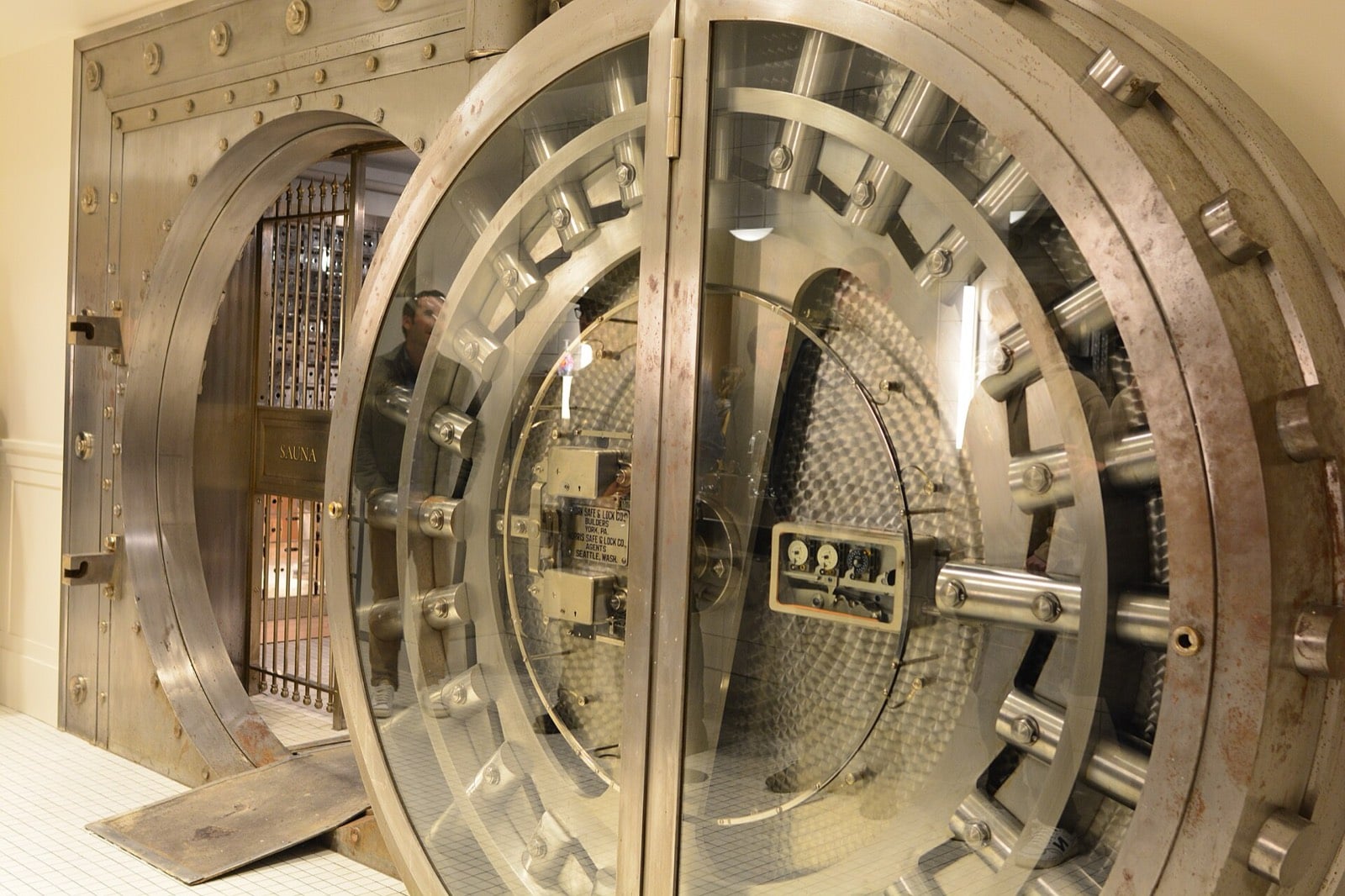
My self-hosted scraper was an open door into my home network
Self-hosted Firecrawl has no auth and will fetch private IPs. I found that out just in time, so now it sits behind a small nginx gateway.

Yesterday I set up Firecrawl on the box at home. It's a scraping API: you send it a URL, it renders the page in a headless browser, and you get clean markdown back. A few of my n8n workflows were paying for the hosted version and I wanted to stop.
Getting it running took an evening. Working out what I'd nearly exposed took a lot less.
The home server is a small Ubuntu machine with two cores and under 6 GB of RAM, running roughly 25 Docker containers. Nothing on it has an open inbound port. Public hostnames all go through one Cloudflare Tunnel, where cloudflared on the box makes an outbound connection to Cloudflare and each hostname maps to a port on 127.0.0.1, and for admin I use Twingate. Firecrawl's compose file brings up the API, workers, a Playwright service, Redis and RabbitMQ, with the API on port 3002. The plan was the usual: a DNS record, a tunnel rule pointing firecrawl.<my domain> at 127.0.0.1:3002, and call it from n8n.
No auth, and a view of the whole LAN
Before adding the route I went looking for where to set the API key. The hosted version wants Authorization: Bearer fc-... on every request, so I assumed the self-hosted one would have an env var for it.
It doesn't. Self-hosted Firecrawl has no authentication of its own. There's a USE_DB_AUTHENTICATION setting, but that's for their Supabase-backed multi-tenant setup, and with it off (the default when you self-host) every request is accepted. My tunnel route would have turned it into a free, anonymous headless-browser scraper for anyone who found the hostname. People would have scraped things from my home IP, and the box would have fallen over, because it can barely run Firecrawl for one person.
Then I thought about what it could reach. A scraper is, by design, a thing that fetches whatever URL you give it, and when it runs inside your network that includes your network. So I tried it from the box:
curl -s localhost:3002/v1/scrape \
  -H 'content-type: application/json' \
  -d '{"url":"http://localhost:5678"}'
# rejected

curl -s localhost:3002/v1/scrape \
  -H 'content-type: application/json' \
  -d '{"url":"http://10.0.0.80:5678"}'
# returns the n8n login page as markdown
It rejects the literal hostname localhost and nothing else. The machine's own LAN IP works, and so do the other private ranges, which means anything on my network with a web UI was reachable: n8n's login page, uptime-kuma, the Supabase studio, and I'd guess the router's admin page as well. Most of those need a login, but "most" is carrying a lot in that sentence, and some services trust requests from the local network more than they should.
That's server-side request forgery, the same class of bug behind some very large cloud breaches, and I'd been about to set one up in my own house on purpose.
A gateway on the port the tunnel already uses
I didn't want to touch the tunnel config, because on this box the cloudflared config is root-owned and every edit needs a sudo step. So I took Firecrawl off the host port and put a tiny nginx container on 3002 instead, which is where the tunnel was going to point anyway.
Cloudflare Tunnel → 127.0.0.1:3002  nginx gateway (auth, rate limit)
                          │  docker network: firecrawl_backend
                          ▼
                     api:3002       Firecrawl (not published to the host)
The Firecrawl API isn't published on any host port the tunnel uses now. Only the gateway can reach it, over the compose network. This is the config, with the key replaced:
map_hash_bucket_size 256;

# Accept the key as X-API-Key or as Authorization: Bearer <key>
map $http_x_api_key $key_ok_header {
    default 0;
    "REPLACE_WITH_64_CHAR_KEY" 1;
}
map $http_authorization $key_ok_bearer {
    default 0;
    "Bearer REPLACE_WITH_64_CHAR_KEY" 1;
}
map "$key_ok_header$key_ok_bearer" $authorized {
    default 1;
    "00"    0;
}

# Cloudflare tells us who the real client is
limit_req_zone  $http_cf_connecting_ip zone=per_ip:10m rate=5r/s;
limit_conn_zone $http_cf_connecting_ip zone=per_ip_conn:10m;

server {
    listen 3002;
    client_max_body_size 1m;

    # Health check stays open so uptime-kuma can probe it
    location /v0/health/ {
        proxy_pass http://api:3002;
    }

    location / {
        if ($authorized = 0) { return 401; }

        limit_req  zone=per_ip burst=20 nodelay;
        limit_conn per_ip_conn 10;

        proxy_pass http://api:3002;
        proxy_read_timeout 120s;
    }
}
Five requests a second with a burst of 20, and no more than 10 open connections per client IP. That's plenty for n8n, and it stops anyone who gets hold of the key from melting the box. The key is 64 random characters from openssl rand -hex 32, kept in a file on the server and in my n8n credentials, and nowhere near git.
The first time I started the gateway, nginx refused to load:
could not build map_hash, you should increase map_hash_bucket_size: 64
nginx keeps map keys in a hash table with a 64-byte default bucket size, and a 64-character key (71 with Bearer in front) doesn't fit. Putting map_hash_bucket_size 256; at the top of the file fixed it. It has to be in the http context before the maps, and in the official nginx image files in conf.d are already included inside http, so the top of your own file works.
Then the checks:
# no key
curl -s -o /dev/null -w '%{http_code}\n' https://firecrawl.<domain>/v1/scrape
# 401

# wrong key
curl -s -o /dev/null -w '%{http_code}\n' -H 'X-API-Key: nope' https://firecrawl.<domain>/v1/scrape
# 401

# health, no key
curl -s -o /dev/null -w '%{http_code}\n' https://firecrawl.<domain>/v0/health/liveness
# 200
With a valid key, scraping a normal public page works and n8n is happy.
None of this fixes the SSRF itself, mind. Anyone with the key can still ask for http://10.0.0.80:.... The only key holders are me and my own workflows, so I can live with that for now. The proper fix is to put the Playwright and worker containers on a network that can reach the internet and not the LAN, and that's next on my list, along with Cloudflare Access in front so a leaked key on its own isn't enough.
If you self-host tools like this, I'd assume the self-hosted version has less security than the hosted product rather than the same. The hosted one has an auth layer, abuse detection and people watching it, and the compose file usually has none of that. And before giving anything a public hostname, it's worth asking who can call it and what it can reach that the caller can't. For anything that fetches URLs (scrapers, link previewers, PDF renderers, webhook testers, image proxies) the second question matters more, and I nearly didn't ask it because the tunnel made exposing things so easy.
First published on my blog. Cover photo: Basile Morin, CC BY-SA 4.0, via Wikimedia Commons (source).
About the author
- Full stack engineer in London with 5+ years on production web platforms. I lead AI-assisted modernisation at Xanda: React and Go for the UK energy market, a government claims portal, and moving old Java and C++ systems onto the cloud. Outside work I run a small home server behind a Cloudflare Tunnel with a handful of public tools on it: Doorstep (rental alerts across Rightmove, OnTheMarket and OpenRent), SeenSooner (NHS A&E and planned-care waits), GridPulse (live GB grid carbon), Sift (LLM ticket triage that survives model failures) and AI Radar (a news digest written hourly by an n8n workflow). I write here about React and Next.js upgrades, Node, coding with AI agents, and the CVEs I've had to patch. Originals live at blogs.kishankanejiiya.tech.
Comments
Join the discussionNo comments yet. Be the first to comment.